
Start Speaking
Read books and supported documents with clear, flexible speech and an accessible reader built for everyone.

See It in Action
Features
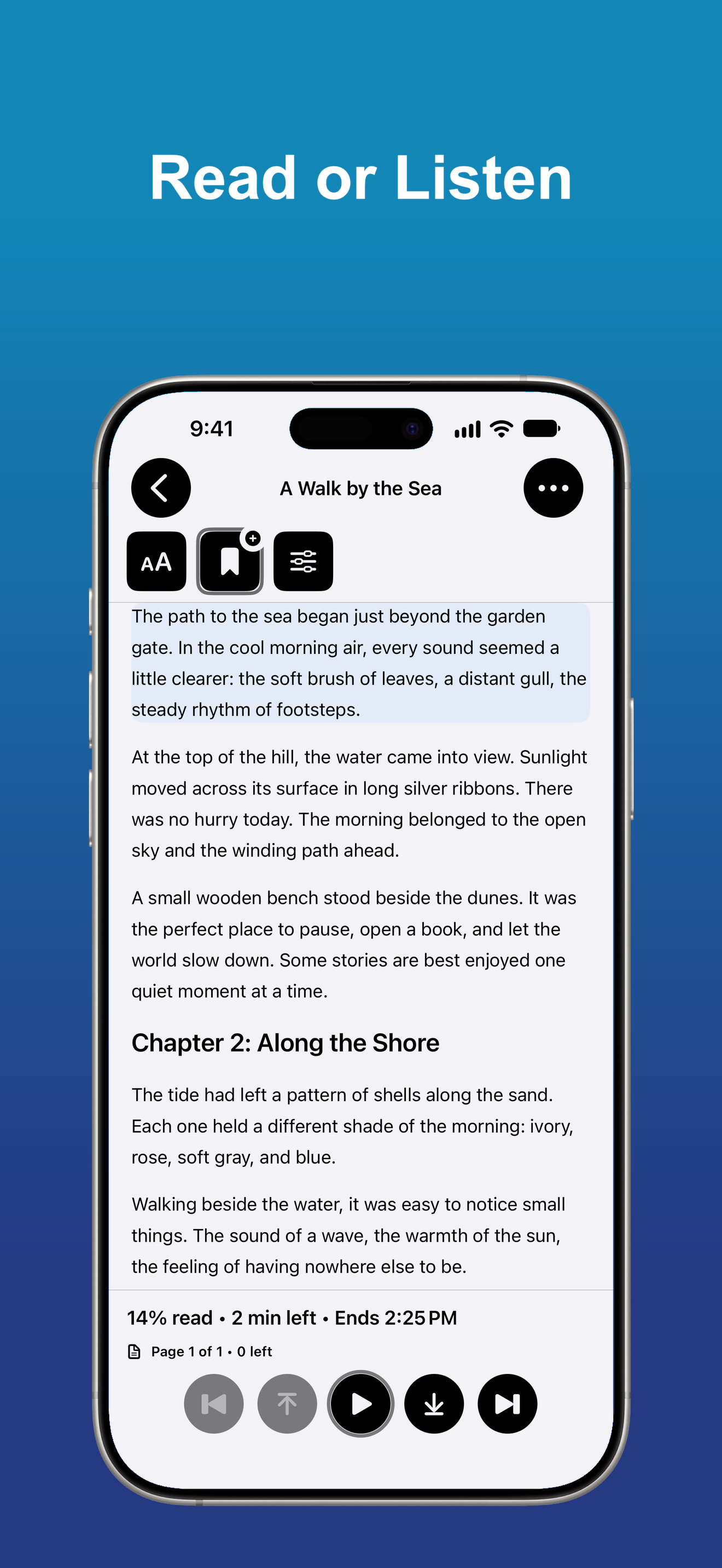
Read and Listen
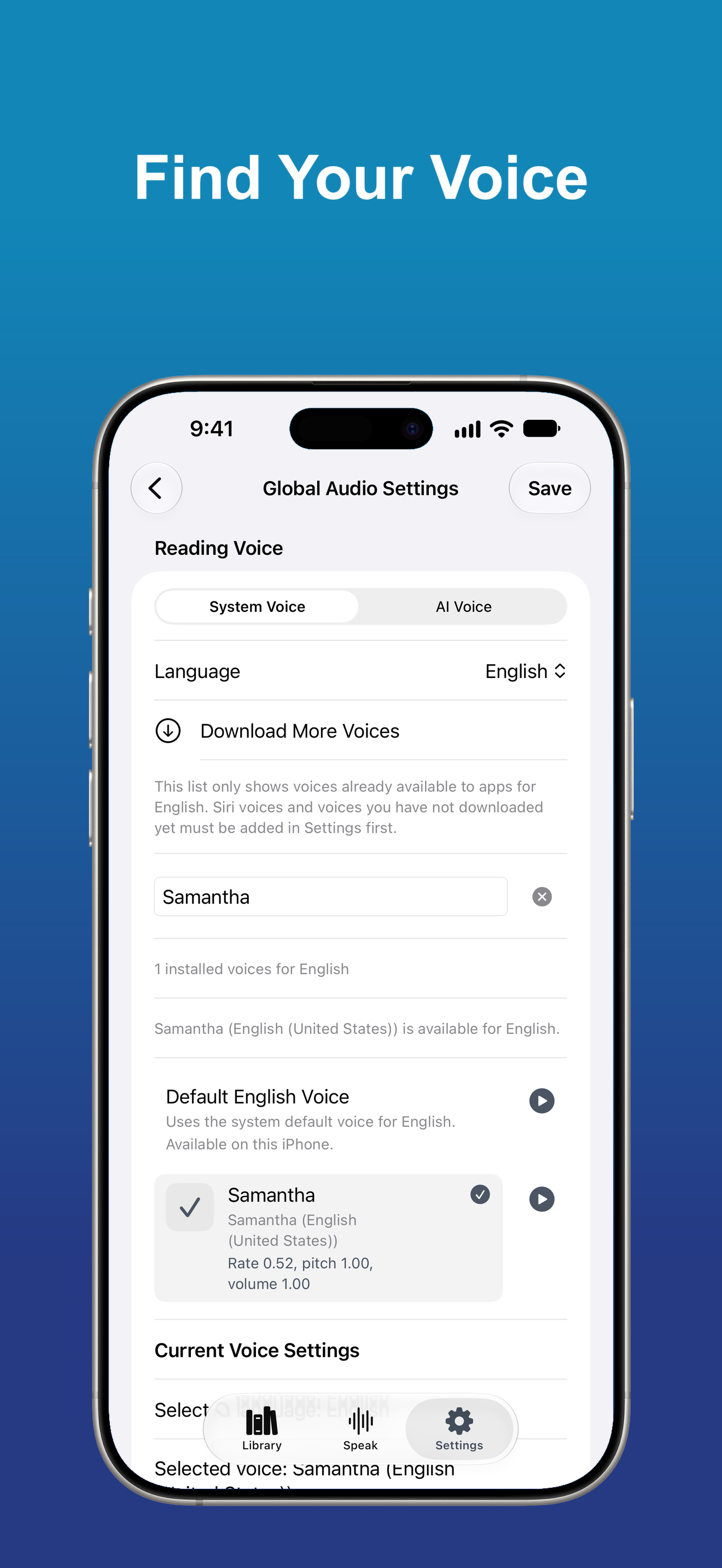
Read visually or listen with Apple system voices. Optional cloud AI voices from supported providers are available with your own provider account.
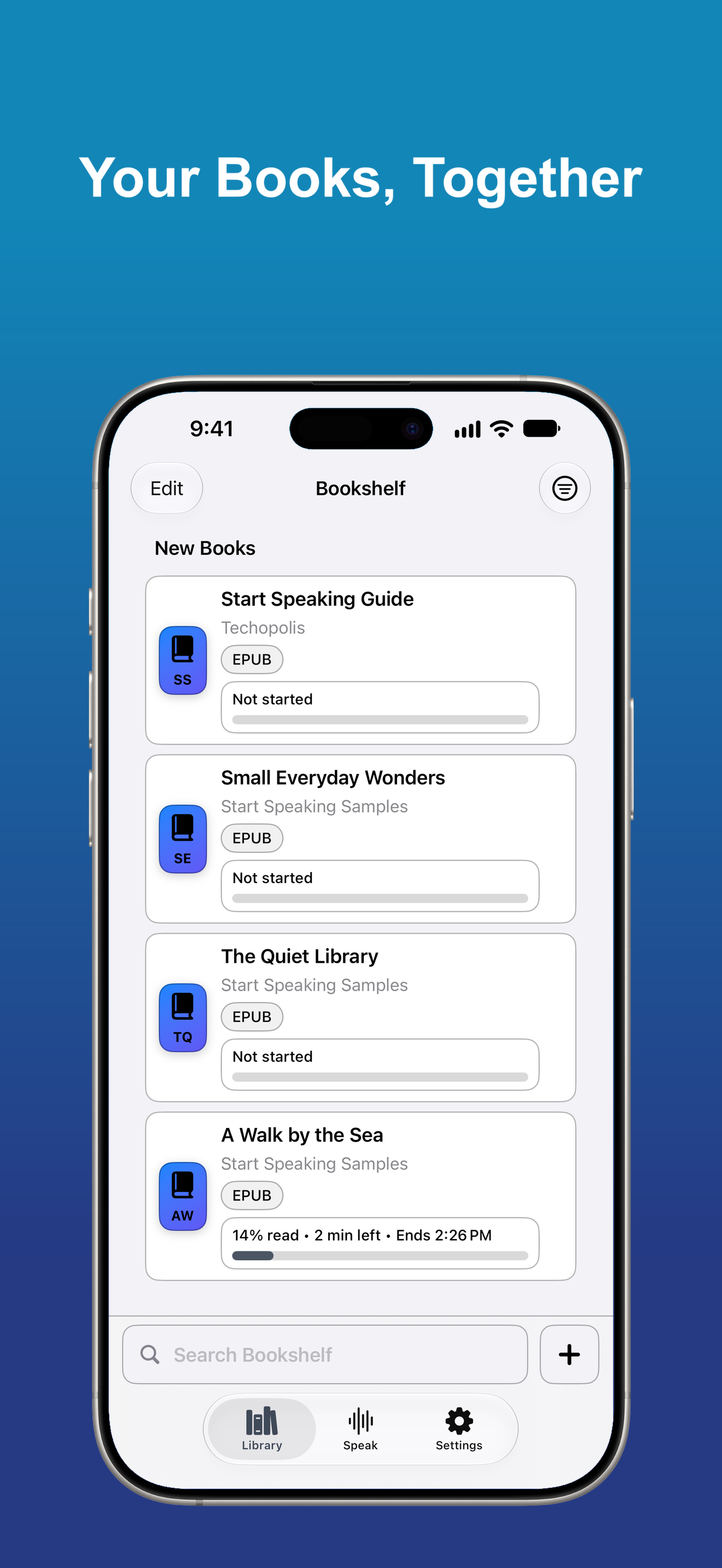
Your Library, Organized
Keep books together in bookshelves, search your library, save bookmarks, and return to your place.
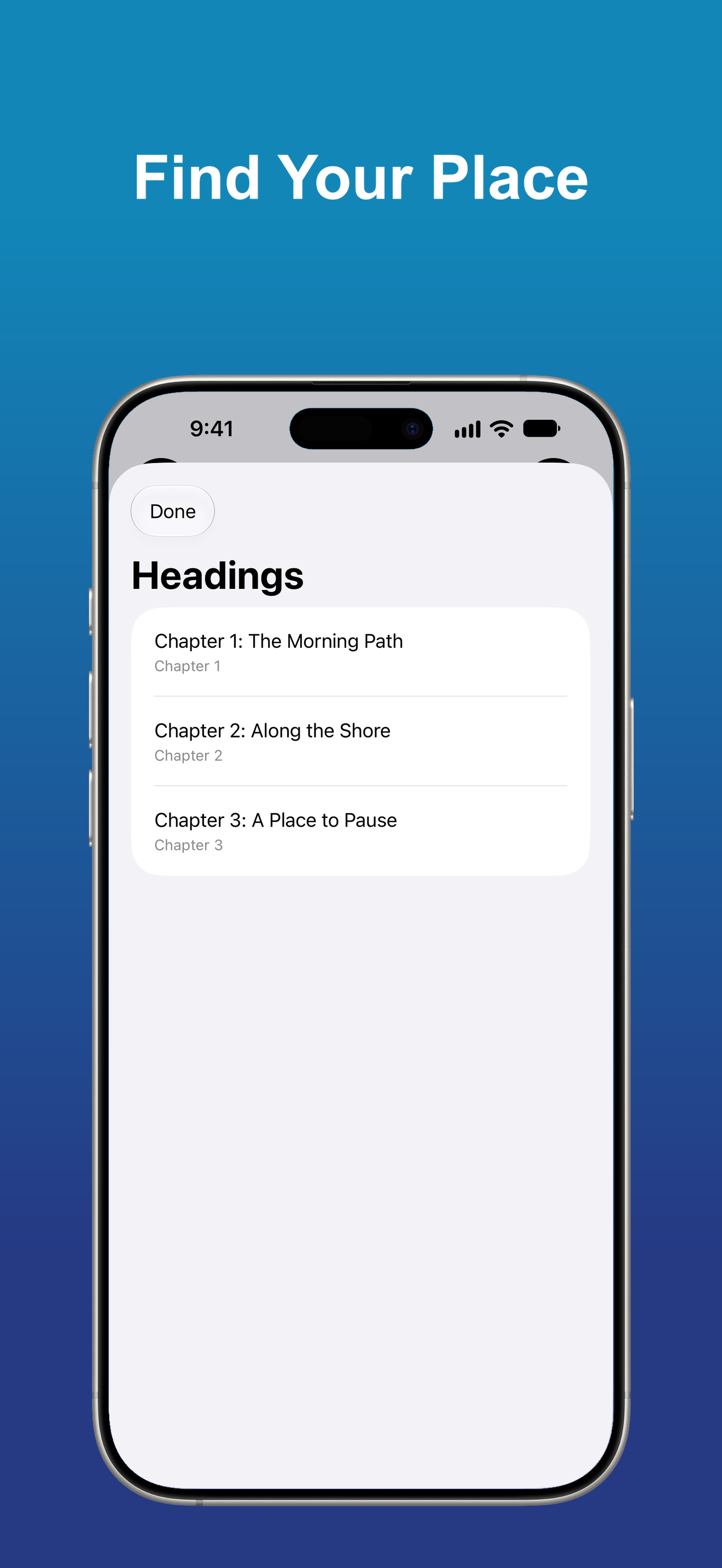
Find Your Place
Use Headings, Contents, Search, and Go to Page to move through long books and documents.
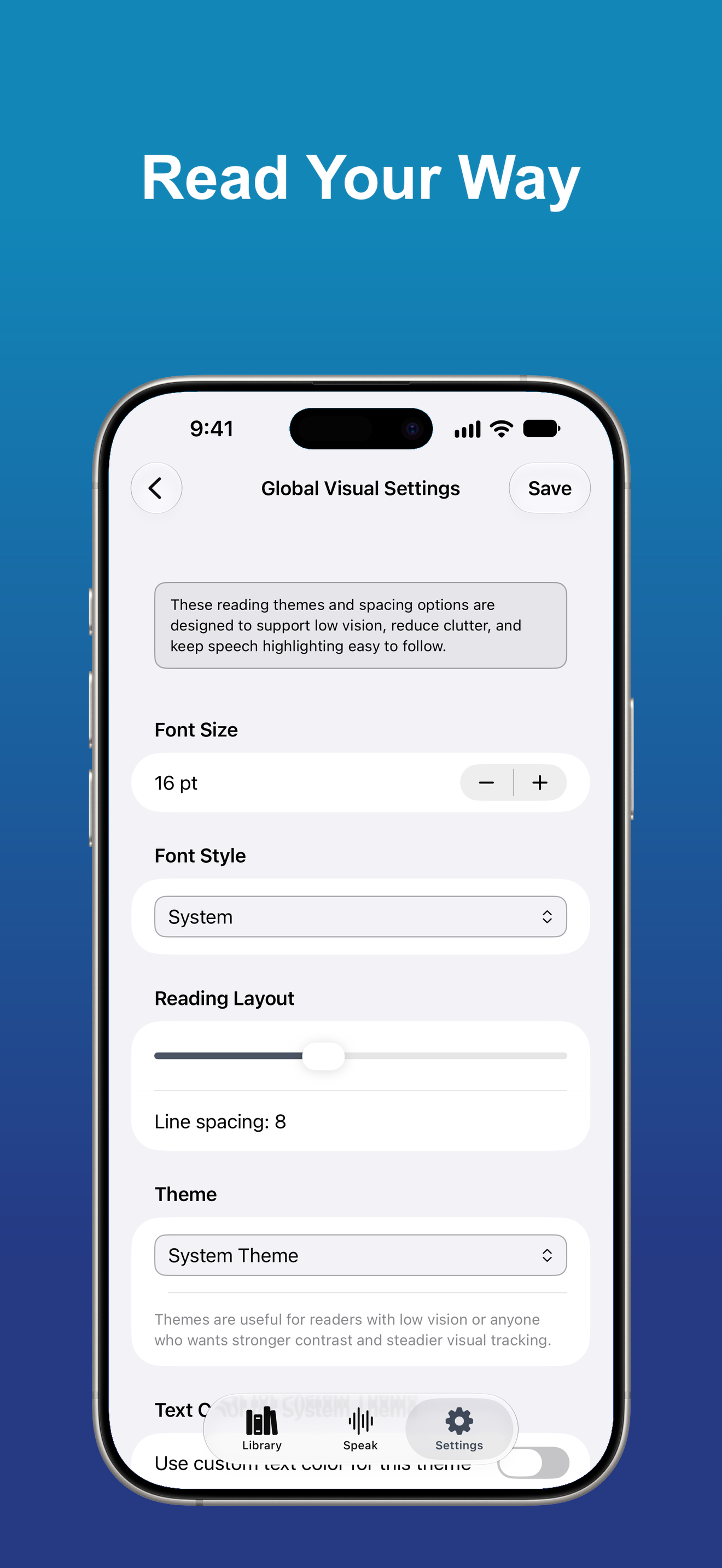
Make Reading Comfortable
Choose themes, colors, font size, and reader layout. Typoscope modes and speech highlighting help you keep your focus on the text.
Books and Documents
Open supported EPUB, DAISY, Word, PDF, plain-text, rich-text, audiobook, spreadsheet, presentation, and other compatible document formats.
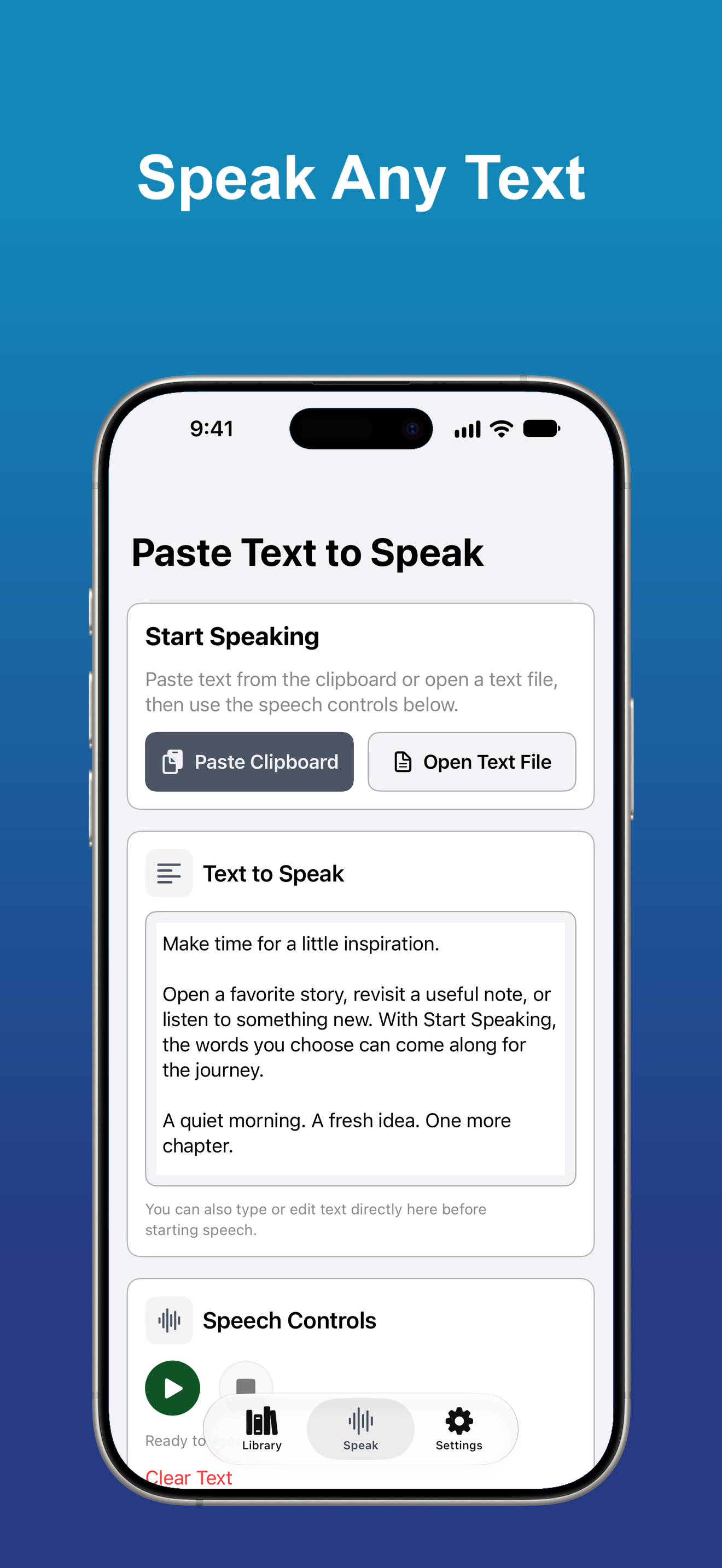
Paste Text to Speak
Paste text from the clipboard or open a text file when you want to hear it right away.
Made to Fit Your Needs
Start Speaking supports VoiceOver, Dynamic Type, clear controls, and flexible visual settings.
All Access
More with one subscription
Excel Workbooks
Open workbooks with a Workbook Overview and switch between Table view and Document view.
PowerPoint Presentations
Read slides, text, images, tables, diagrams, and charts. Choose whether to include speaker notes and reviewer comments.