
Start Navigating
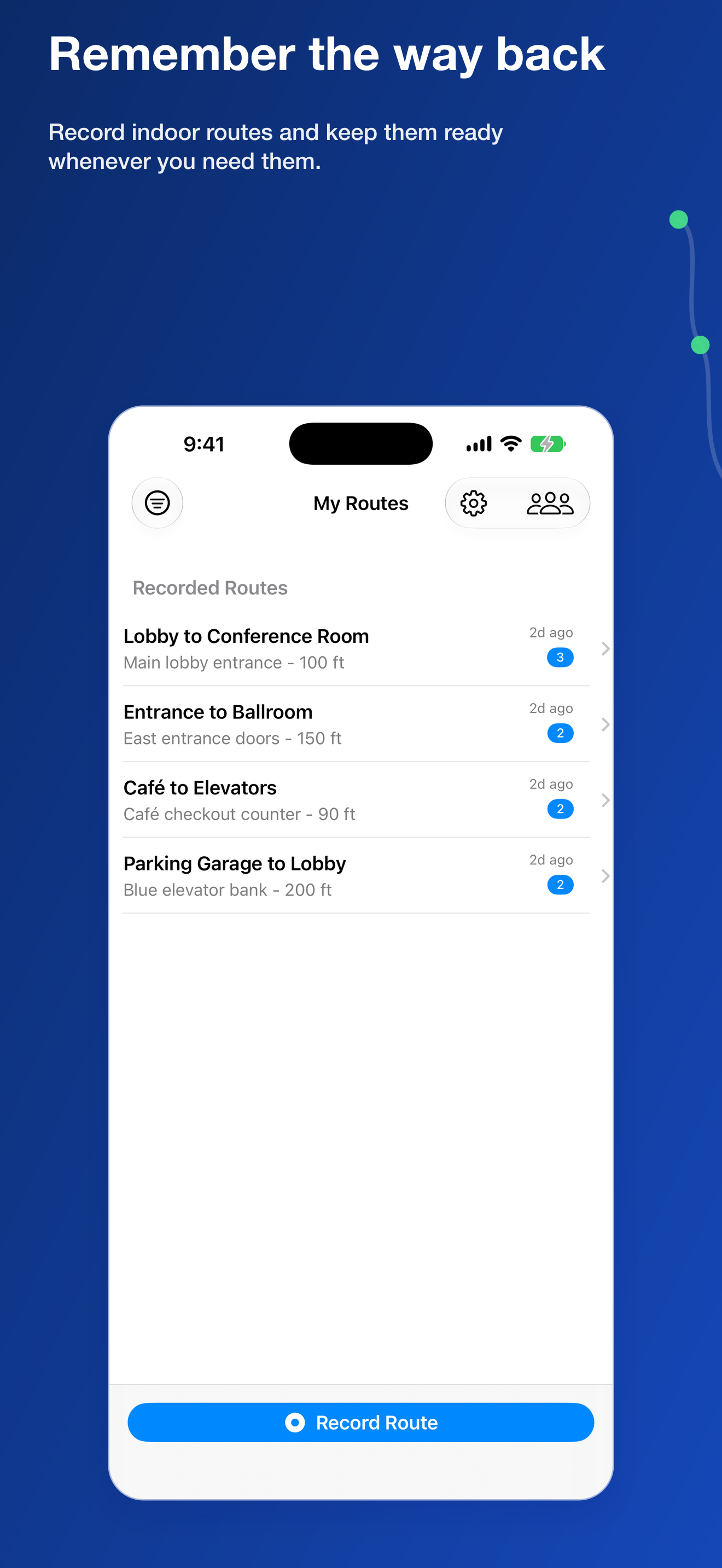
Indoor routes can be difficult to remember, especially inside unfamiliar buildings where traditional maps offer little help. A turn that seemed obvious on the way in can be easy to miss when it is time to return.

See It in Action
Features
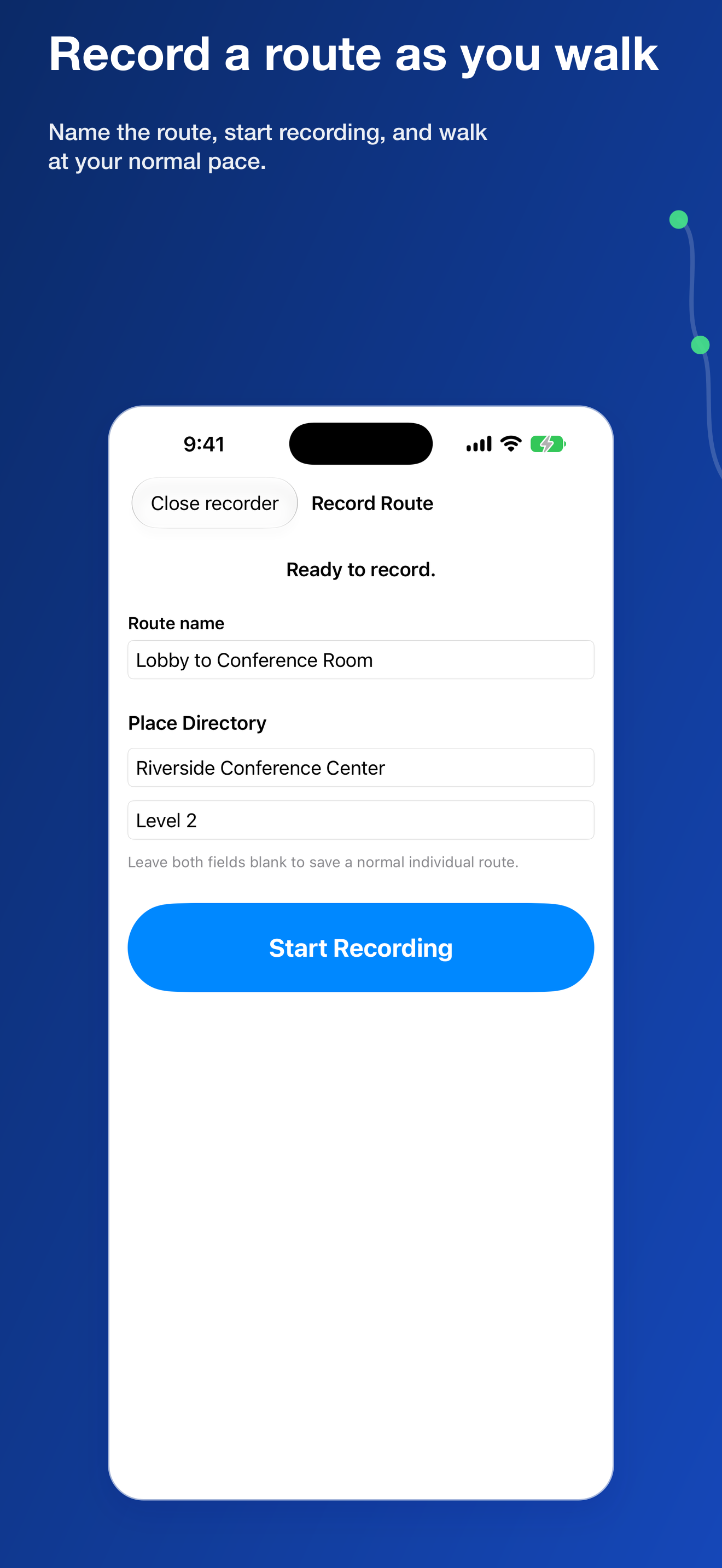
Route Recording
Spoken Turn Guidance
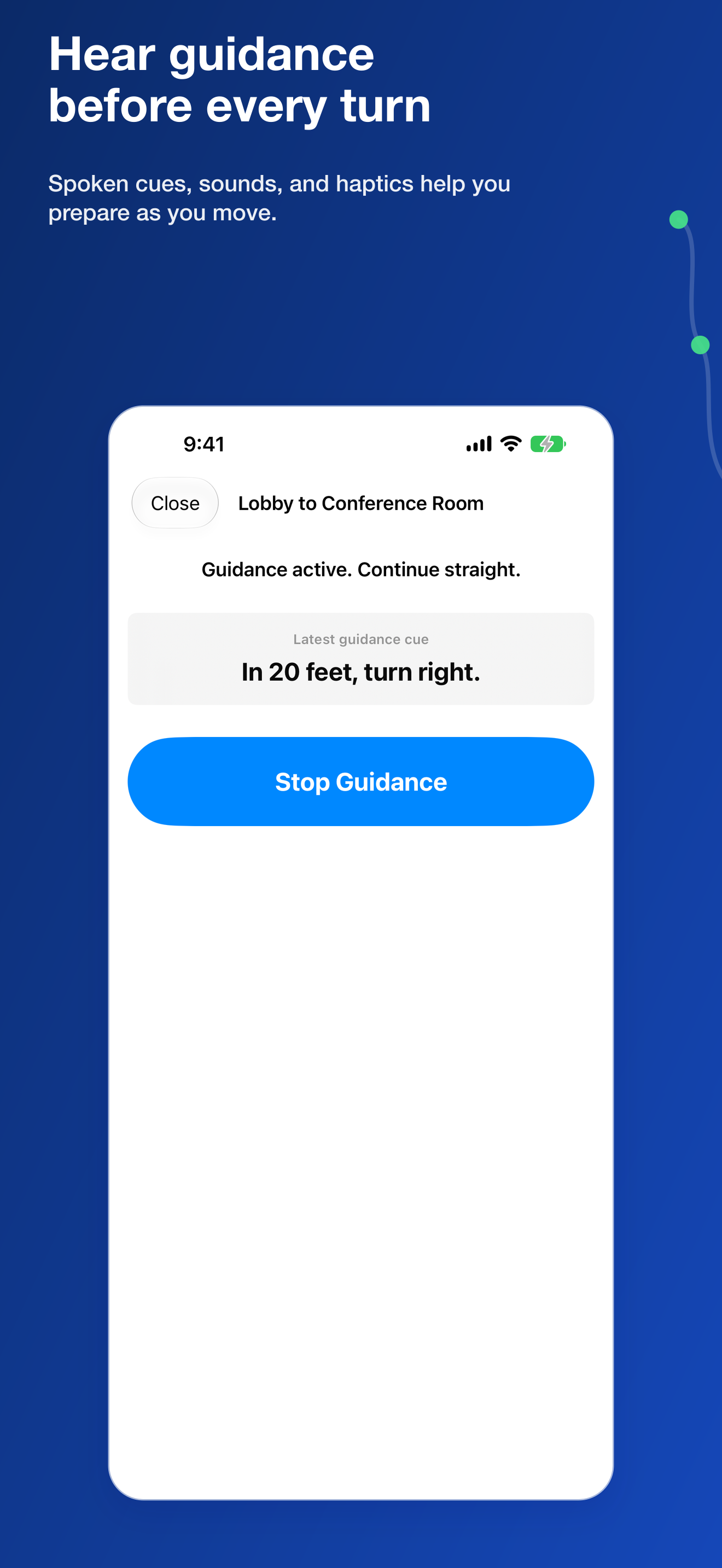
Hear clear instructions a few steps before each turn, giving you time to prepare as you follow the route.
Forward and Reverse Routes
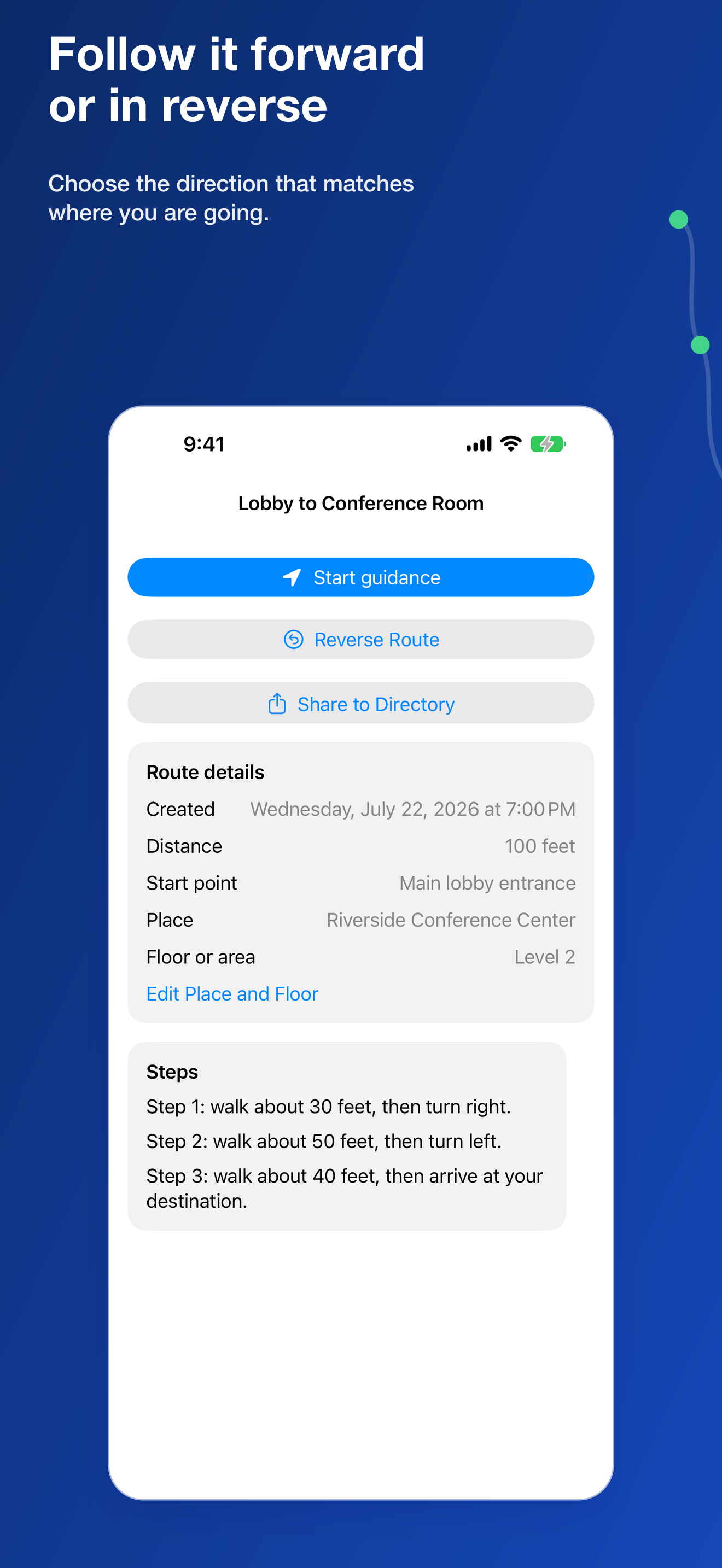
Follow a route in the direction you recorded it or reverse it to return from the destination to the starting point.
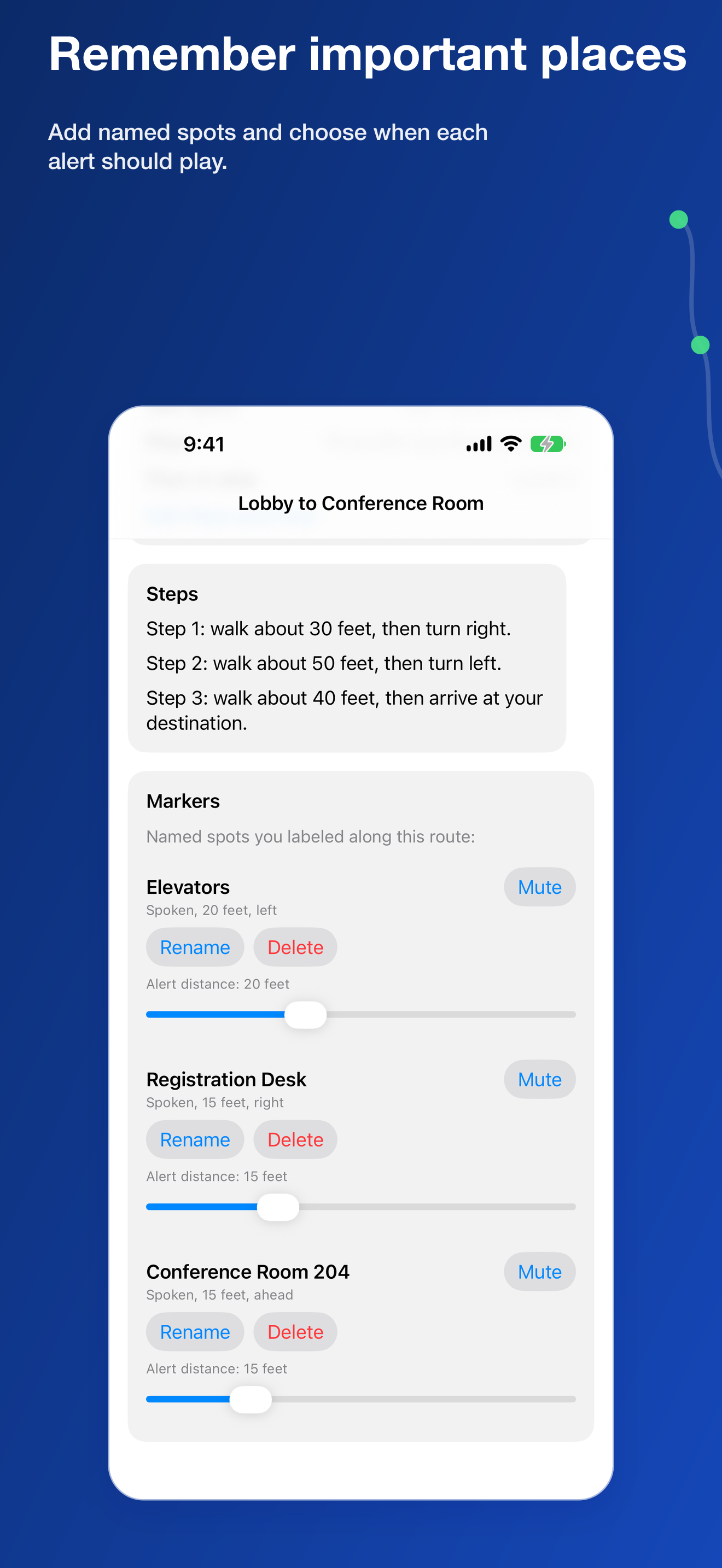
Named Spots
Add names for useful places and landmarks while recording. Adjust marker names and alert distances later.
Places and Route Filters
Organize routes by building, place, floor, or area. Filter saved routes by location and date to find the route you need.
Flexible Guidance Feedback
Choose your preferred speaking voice and speed. Use spoken cues, navigation sounds, haptic feedback, or a combination that works for you.
iCloud Sync
Keep saved routes available across your devices through iCloud.
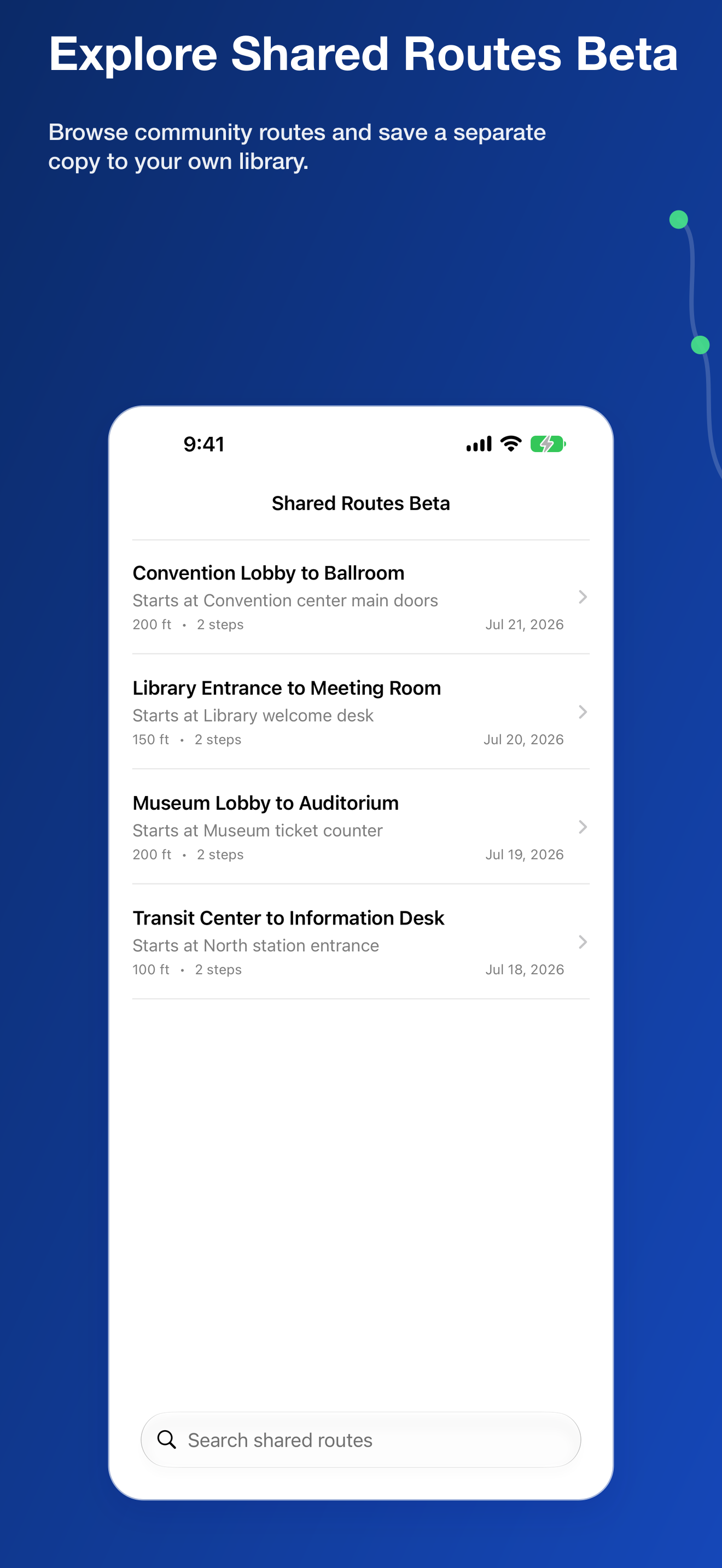
Shared Routes Beta
Browse routes shared by other users and add a separate copy to your personal route collection. Shared routes are created by users, so always confirm that a route makes sense for your surroundings.
Core Guidance Without Internet
Record and follow your personal routes without an internet connection. Shared Routes Beta and iCloud sync require a connection.